Download WireDog VPN
WireDog VPN for Linux is built for people who want real privacy without the hassle: a native GUI app for Debian, Fedora, and Arch-based distributions, protecting up to 5 devices at once.
WireDog VPN is available as a GUI application. CLI support is coming soon.
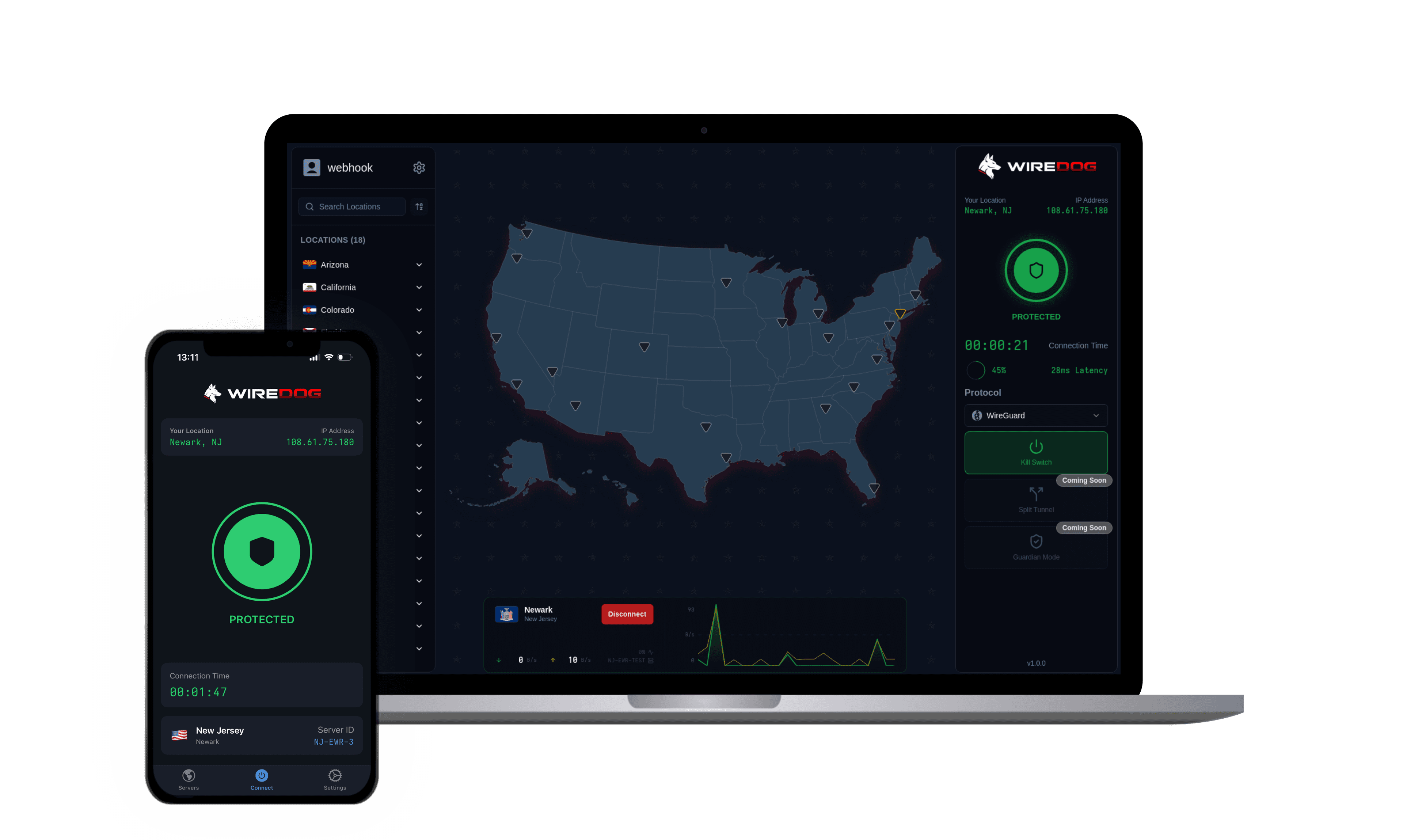
How to Connect to WireDog VPN
Create an Account
To get started, choose a plan and create your account.
You can sign up with email or create an anonymous account for maximum privacy.
Download WireDog VPN
Download and install WireDog VPN on your device. Once installed, run the application and login with your email and password (Standard accounts), or use an account number (Anonymous accounts).
Connect to a Server
Once in the application, you may choose any server across the nation, or simply the fastest server for your location.
Once connected, the data sent to and from your device and the VPN server is secure and encrypted.
- Your IP address will be masked behind our servers.
- Your internet traffic will be hidden from your ISP, and your IP address will be masked from the sites and services you visit.
Installing on Linux
Select your distribution's package format below for step-by-step install instructions.
- 1Download the .deb package.
- 2Open a terminal in your Downloads folder.
- 3
sudo apt install -y ./WireDog-VPN-*.deb - 4Launch WireDog VPN from your application menu or run: wiredog-vpn
Need more help? Visit our Help Center or contact support.
Defend Every Connection
Download WireDog VPN on your devices and start protecting your digital freedom